
Configuring Table View Settings
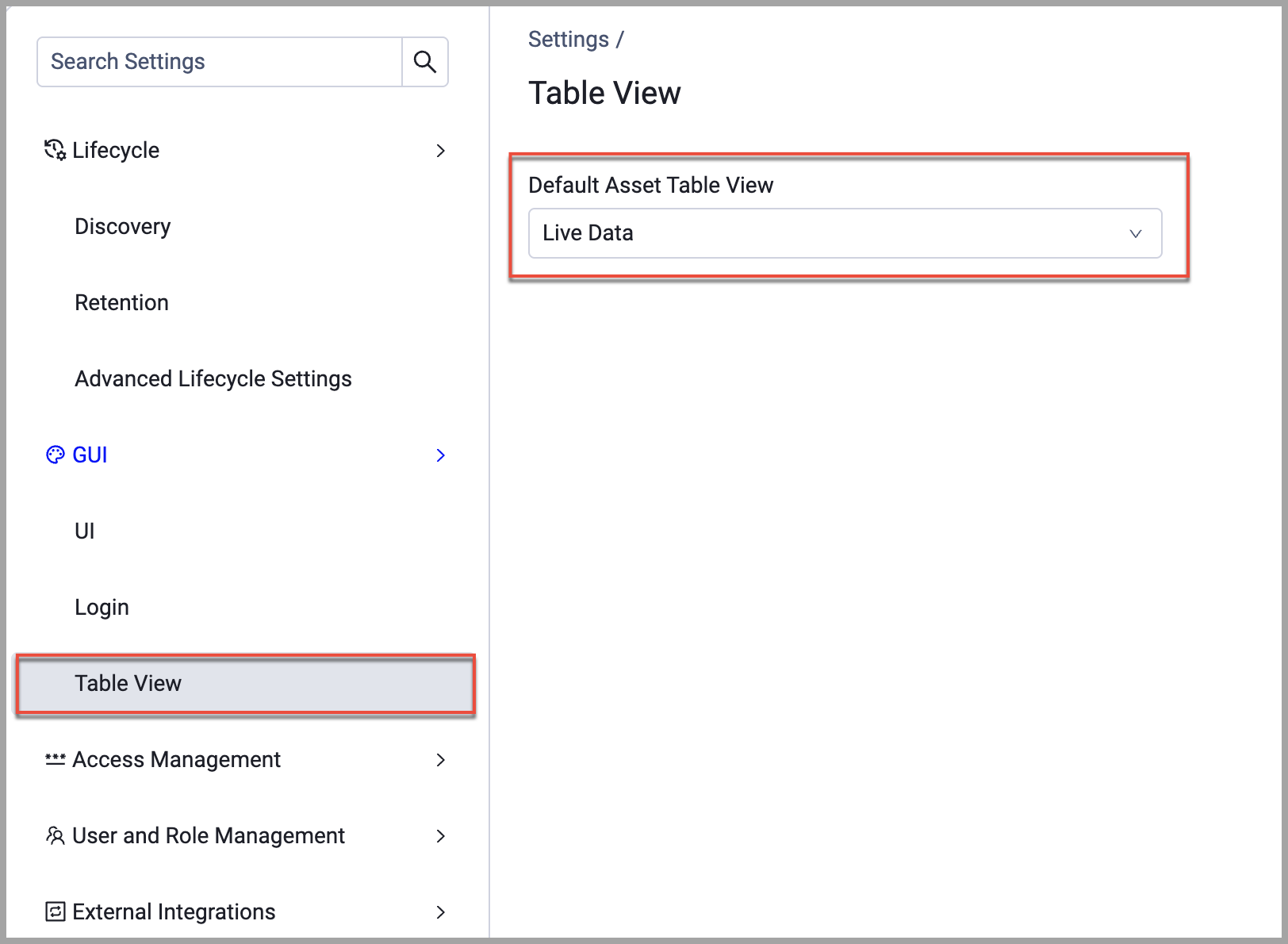
An admin can set the Default Asset Table View that applies to all users who haven't set their own personal default. See Selecting a Table View for more about selecting what data is displayed in asset tables.
To set a system default table view:
- From the top right corner of any page, click
.png) . The System Settings page opens.
. The System Settings page opens. - In the Categories/Subcategories pane of the System Settings page, expand GUI, and select Table View.
- Under Default Asset Table View, select the default view you want from the list.
- Click Save.
Updated 3 months ago
Did this page help you?