
Managing Adapter Connection Information
You can hide or review adapter connection information within a data scope. When adapter connection information is available, users can view it in the adapter profile page. When hidden, this information is not visible to users in the data scope. 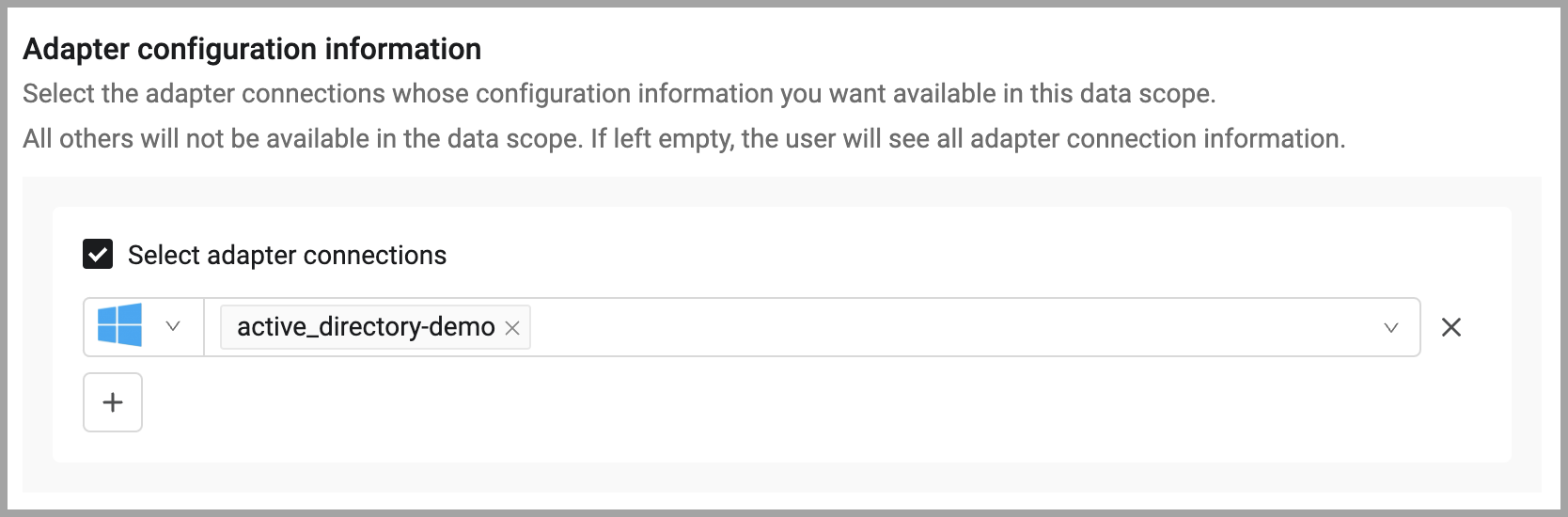
To hide or reveal adapter connection information:
- On the Restrictions tab, in the Adapter configuration information section, choose Select adapter connections.
- Select the adapters and adapter connections whose information you want available in the data scope. All others will not be available in the data scope. If left empty, even if Select adapter connections is selected, the user will see all adapter connection information.
Updated 3 months ago
Did this page help you?