
Agent Coverage Workspace
The Agent Coverage Workspace is a dynamic, intelligent hub that caters to the distinct needs of three key personas:
- Executives: Security leaders (CISOs, Directors) focused on high-level strategy and compliance. For executives, Agent Coverage provides a high-level summary of security posture with key compliance scores and trend data.
- Policy Configurators: Managers and analysts responsible for setting up and maintaining policies. For policy configurators, Agent Coverage offers a simplified, visual guide to policy setup and completion, using a Contextual user interface to make the overall scope definition intuitive.
- Doers: Security analysts and IT operators on the front lines, responsible for handling issues. For doers, Agent Coverage presents a prioritized, actionable list of issues, complete with context and clear paths to remediation.
By fulfilling a variety of needs, the Agent Coverage Workspace provides high-level visibility for strategic decision-making, drives efficiency, improves communication, and accelerates time-to-value for all users.
To access Agent Coverage:
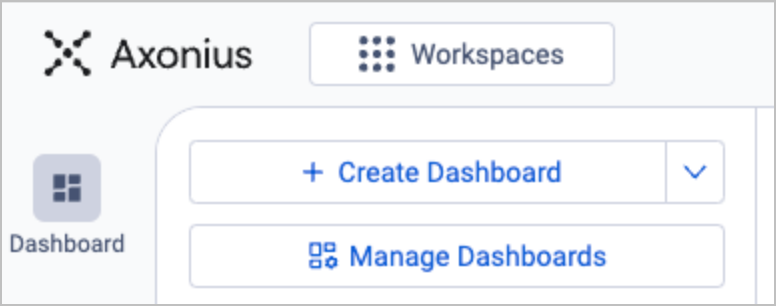
- At the top of the left navigation bar, click Workspaces.
-
Select Agent Coverage from the list of workspaces.
-
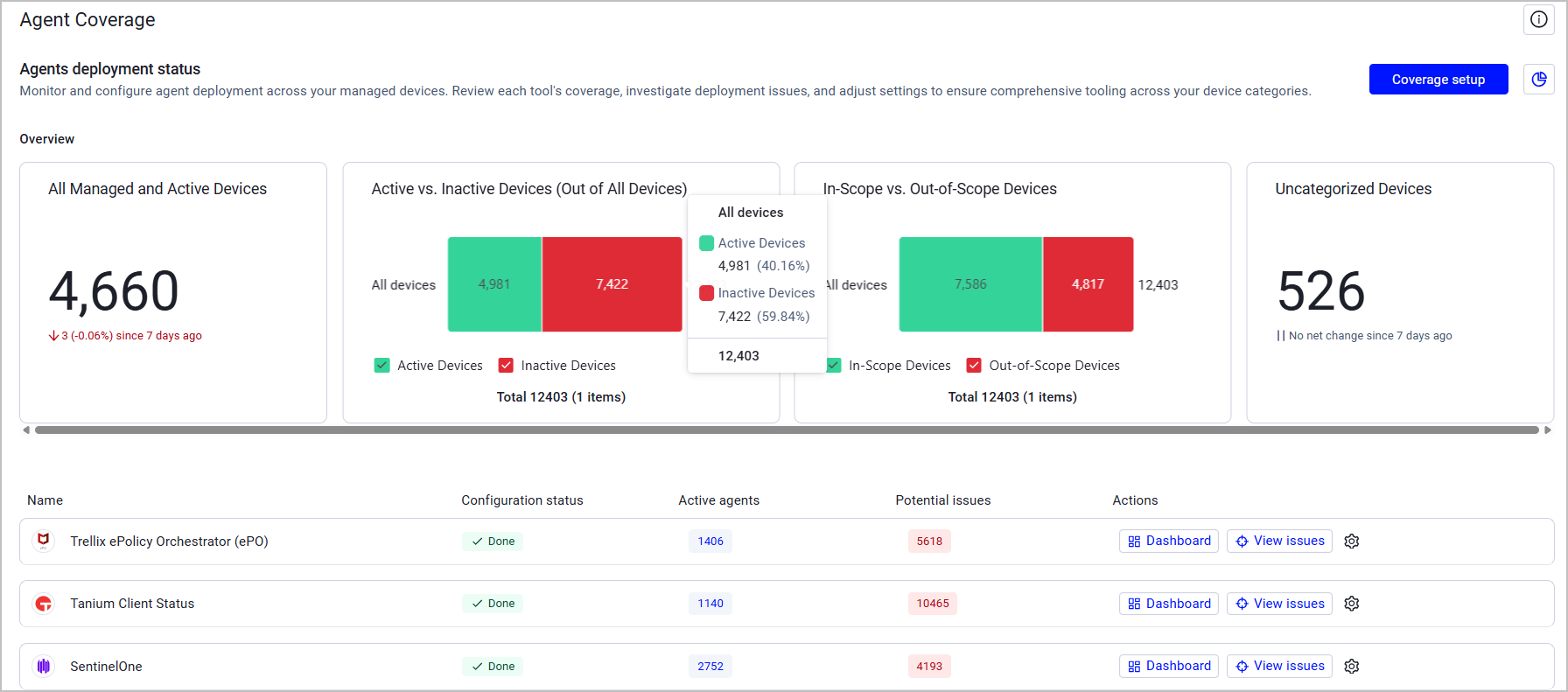
The left navigation bar and main page of Agent Coverage are displayed. The title Agent Coverage appears next to the Axonius logo.
Recommended Adapter Categories
To efficiently use Agent Coverage, we recommend you connect adapters from at least some of the following categories:
- MDM/EMM
- EDR/EPP
- Configuration and Patch Management
- Encryption
- IAM
Policy Components of Agent Coverage
Agent Coverage Policies are defined by the following components.
- Agent deployment status - Defines the analysis scope through queries: which devices are in scope (managed) and active.
- Device categories - Classifies in-scope devices by device type, operating system, and deployment type, for granular agent coverage policies.
- Agents deployment status - Defines device categories per agent; and specifies which device categories should be monitored for each agent installation. Administrators can configure coverage requirements for each individual agent.
- Agent-specific exceptions (targeted exclusions) - Allows administrators to create specific exclusions for individual agents on targeted devices or device groups; and provides flexibility to handle unique deployment scenarios without modifying the overall coverage policy.
After defining these policies:
- Managed queries are created based on the policy definitions.
- These managed queries are used as building blocks to create managed dashboards.
- Each dashboard displays key metrics and issues detected by the managed queries.
Query Sharing
Queries and other resources used in the Agent Coverage Hub must have access permissions of 'Shared'. To create and edit shared resources, the option Allow sharing dashboards and queries to all Data Scopes must be enabled under Special Permissions in System Settings. When this option is not enabled, a notification is displayed in the Agent Coverage Hub. To enable resource sharing, click Enable Sharing. When this option is enabled, the notification does not appear

Updated 4 months ago