
OP Innovate WASP
OP Innovate WASP is a solution that offers attack surface management capabilities for identifying vulnerabilities.
The OP Innovate WASP adapter provides Axonius with visibility into your attack surface management data, identifying vulnerabilities across various asset types.
Asset Types Fetched
- Devices
- Vulnerabilities
- SaaS Applications
Data Retrieved through the Adapter
The adapter retrieves information to provide visibility into your publicly accessible assets. The retrieved data for each asset type may include:
- Devices - Data such as ID, name, type, source, priority, status, risk score, security grade, and environment.
- Vulnerabilities - Data such as CVE IDs, products, finding type, title, exploitability, impact, overall risk, status, and CVSS score.
- SaaS Applications - Data regarding identified cloud-based resources and their associated security metadata.
Before You Begin
Required Ports
- TCP Port 443
Authentication Methods
- API Key
Required Permissions
The adapter connection requires that the user account associated with the API key has the following permissions:
- Read Access - Read-only access to assets and findings.
APIs
Axonius uses the WASP Assets API to retrieve device and vulnerability data.
Note
The API documentation is not publicly available or hosted in a user portal. Contact your OP Innovate account representative to obtain the API documentation.
Generating OP Innovate WASP Credentials
- Log in to the WASP web interface.
- Navigate to Settings and select API Keys.
- Generate a new API key.
- Record the API Key and the API URL for your environment.
Supported from Version
This adapter is supported from Axonius version 8.0.12.
Connection Parameters
To connect the adapter in Axonius, provide the following parameters.
Required Parameters
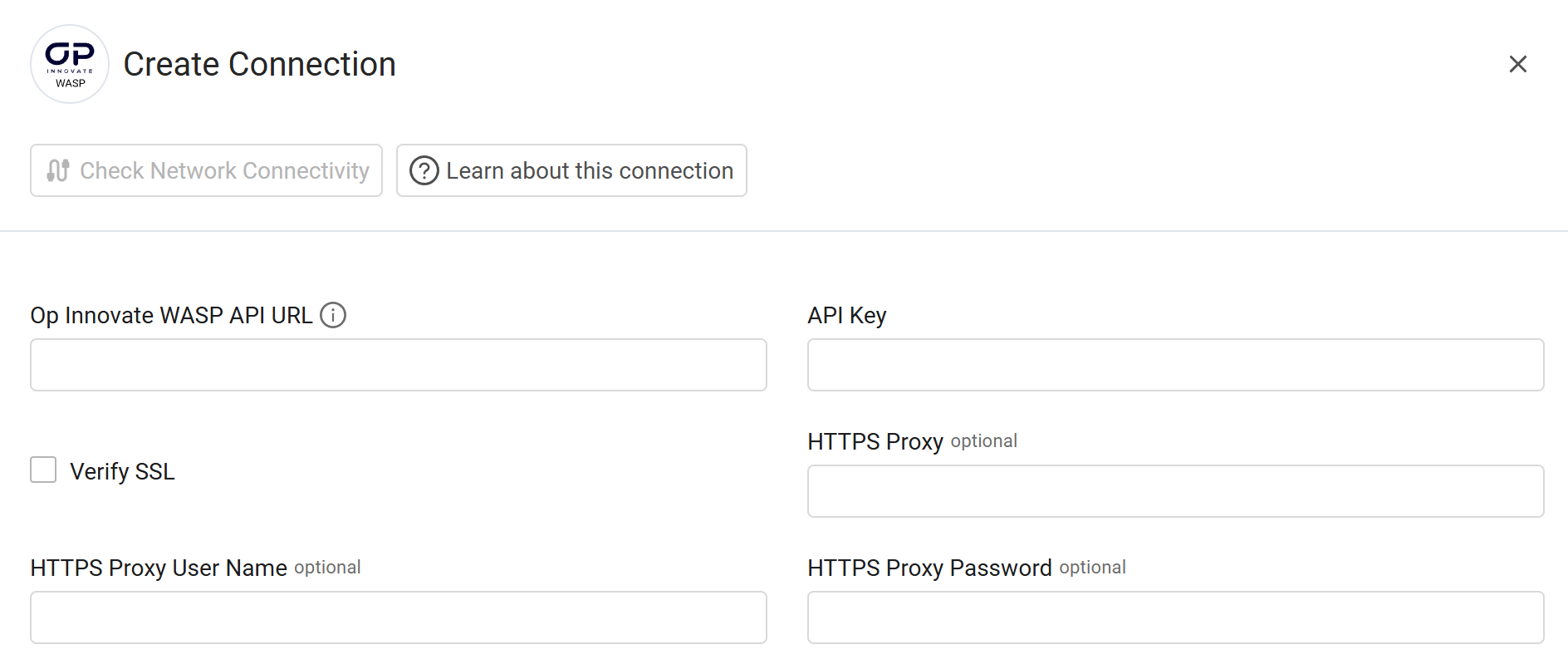
- Op Innovate WASP API URL - Enter the base URL for the WASP API.
- API Key - Enter the API key generated from the WASP web interface.
Optional Parameters
-
Verify SSL - Select whether to verify the SSL certificate of the server against the CA database inside of Axonius. For more details, see SSL Trust & CA Settings.
-
HTTPS Proxy - Enter an HTTPS proxy address to connect the adapter to a proxy instead of directly connecting it to the domain.
-
HTTPS Proxy User Name - Enter the user name to use when connecting to the value supplied in Host Name or IP Address via the value supplied in HTTPS Proxy.
-
HTTPS Proxy Password - Enter the password to use when connecting to the server using the HTTPS Proxy.
To learn about additional optional/common adapter connection parameters, see Adding a New Adapter Connection.
Updated 1 day ago