
Aggregated Security Finding Profile
The Aggregated Security Finding Profile page provides detailed information about the Aggregated Security Finding selected. Click on a row on the Aggregated Security Finding page to open this asset on a separate page.
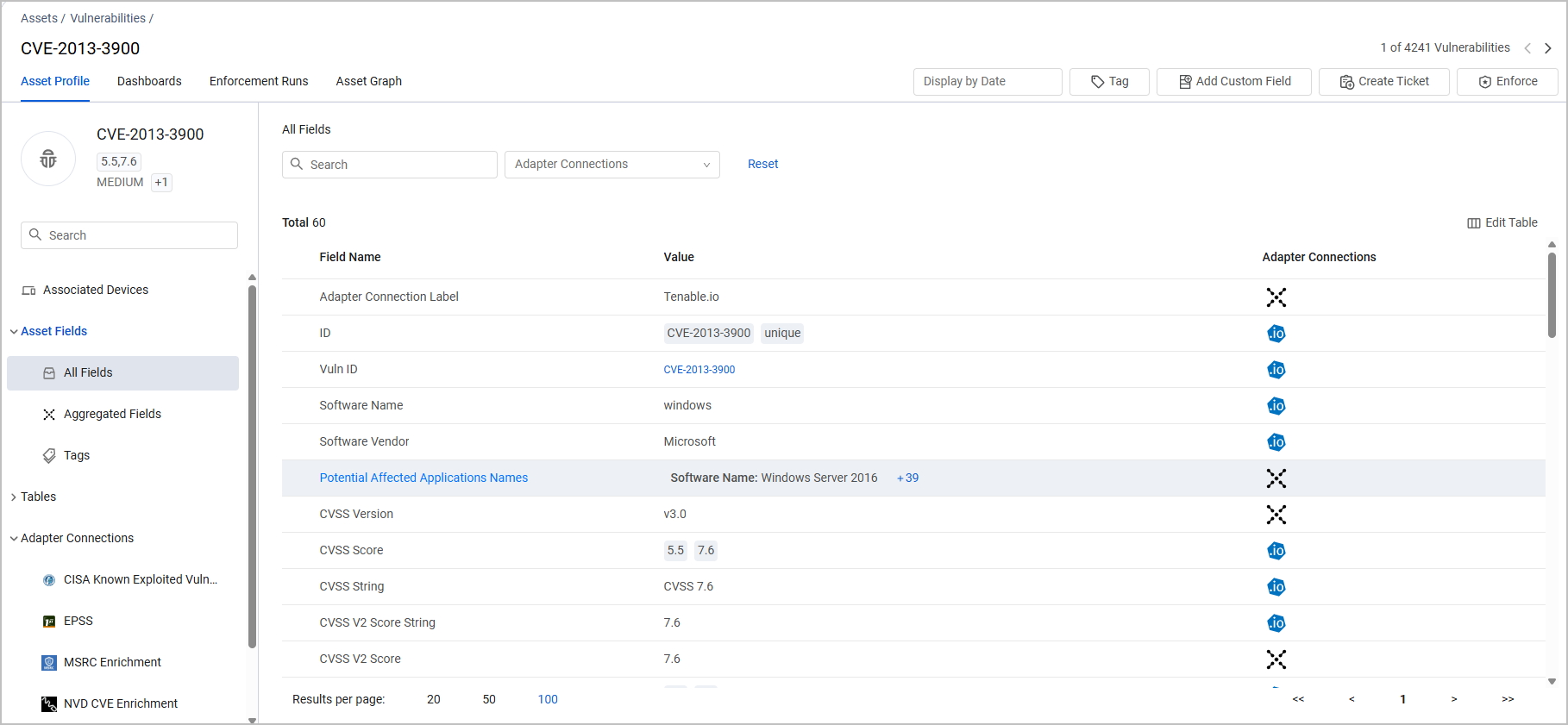
The Aggregated Security Finding Profile page is very similar to the Assets Profile page with all of its relevant capabilities. Refer to Asset Profile Page.
Associated Devices
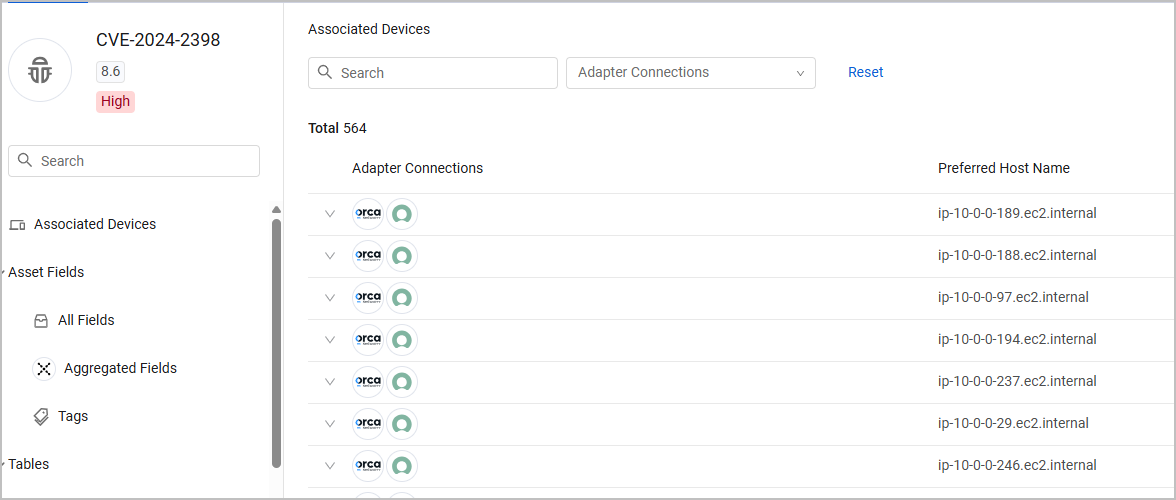
One of the tabs available from the left hand menu on the Aggregated Security Finding Profile is the Associated Devices tab. The table on this tab contains two columns:
- Adapter Connections - Shows the adapter connections from which the device was fetched. Hover over a field to see the adapter or all the adapters that this Aggregated Security Finding comes from. Click the arrow to see all adapters that fetched the field, and its value on each of them.
- Preferred Host Name - the value of the Preferred Host Name of the device.
Setting Columns Display
You can use Edit Columns to set the columns displayed on the Associated Devices page, so that you can see columns related to the devices you are investigating. When you add a column, the data displayed in some of the columns is already refined for the asset displayed. See Setting Page Columns Display for more information.
Filtering and Searching
You can filter the Associated Devices page as follows:
- Search - Enter any value by which to search for an adapter connection or software version (free text search).
- Adapter Connections column - Select one or more adapter connections.
Click Clear All to clear the filters.
Click View in Devices to open the page on the Devices page filtered by the specific Aggregated Security Finding you and any other filters you selected.
Exporting Data to CSV
You can export the Associated Devices data to a CSV file.
Updated 7 months ago